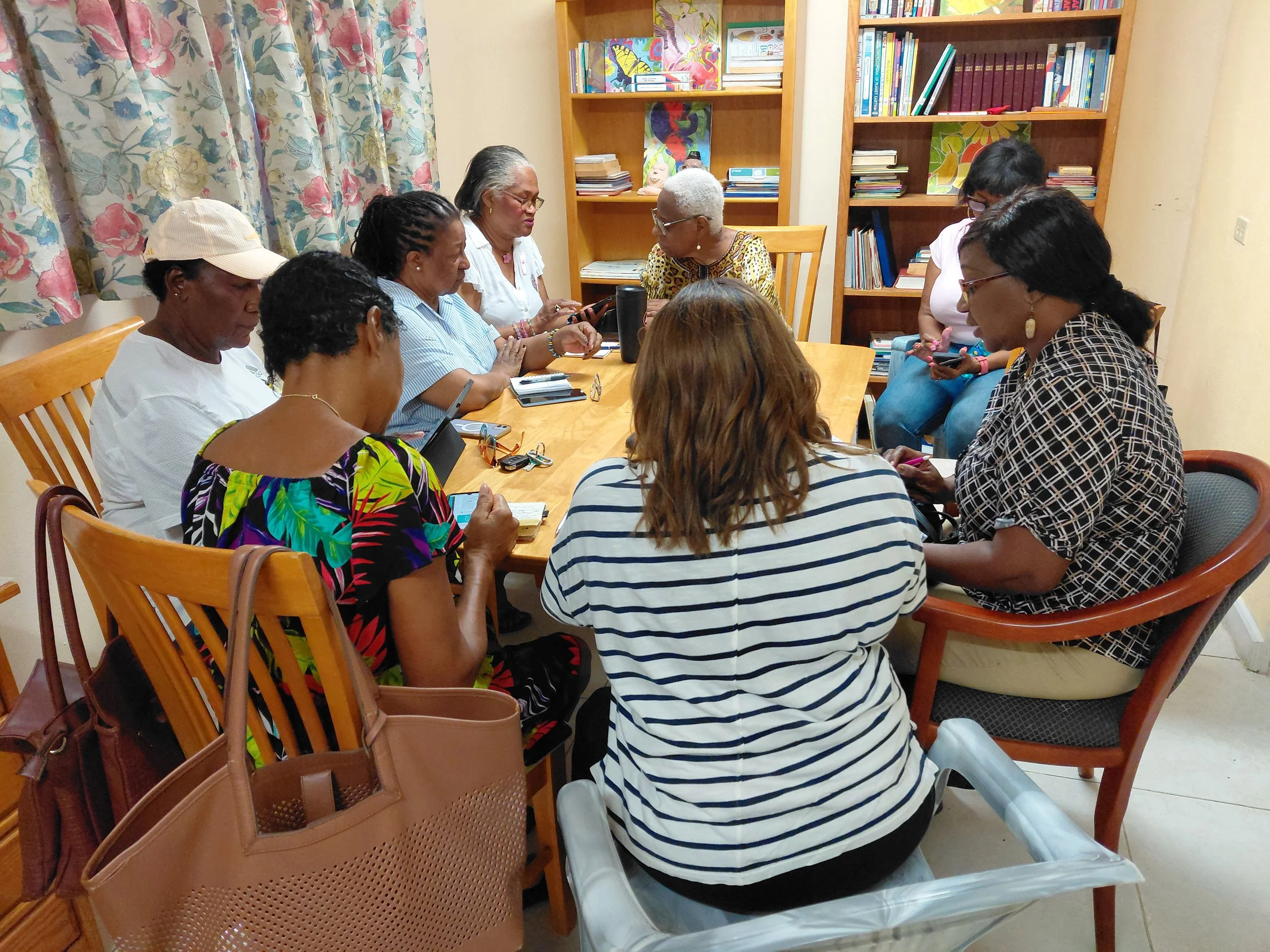
For many senior citizens, technology can seem intimidating. However, with the advent of Artificial Intelligence (AI), YWCA members are discovering just how easy it is to accomplish tasks that once seemed beyond their reach.
Executive Director Rosalie Fawkes shared that she first encountered an AI application when it popped up on her mobile phone. After initially ignoring it, she eventually decided to explore its capabilities and was amazed by how helpful it proved to be in supporting a variety of her work-related projects.
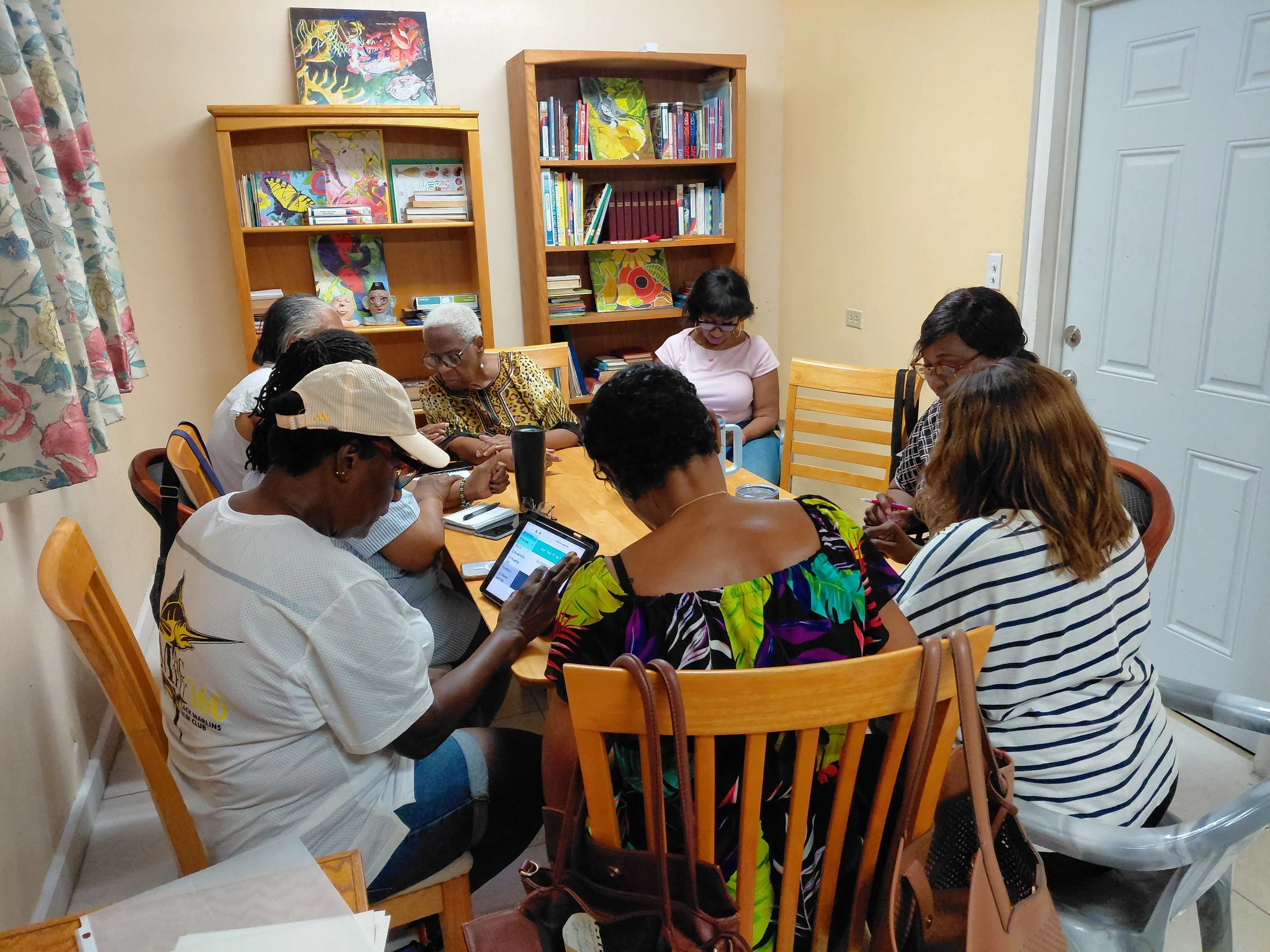
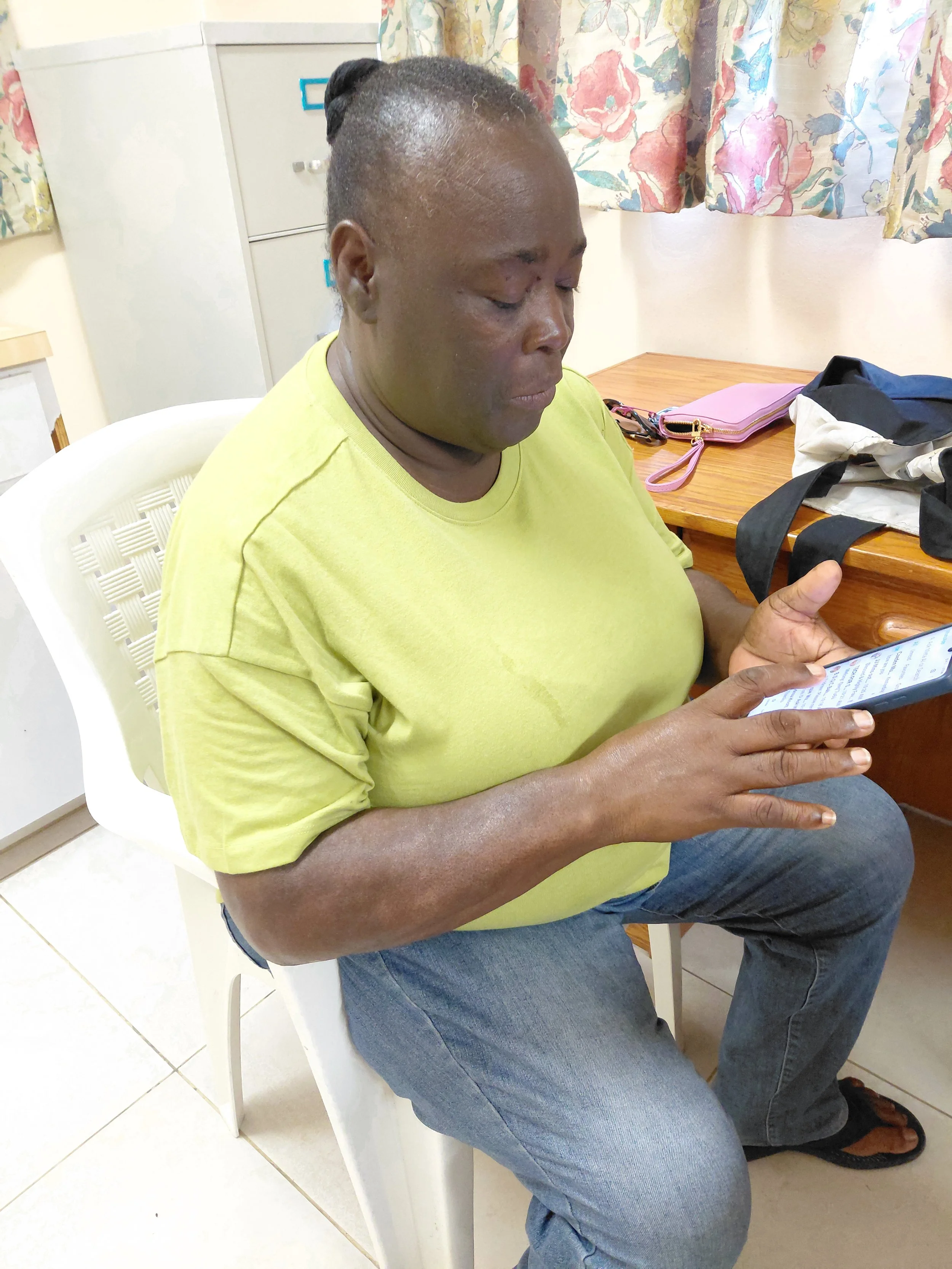
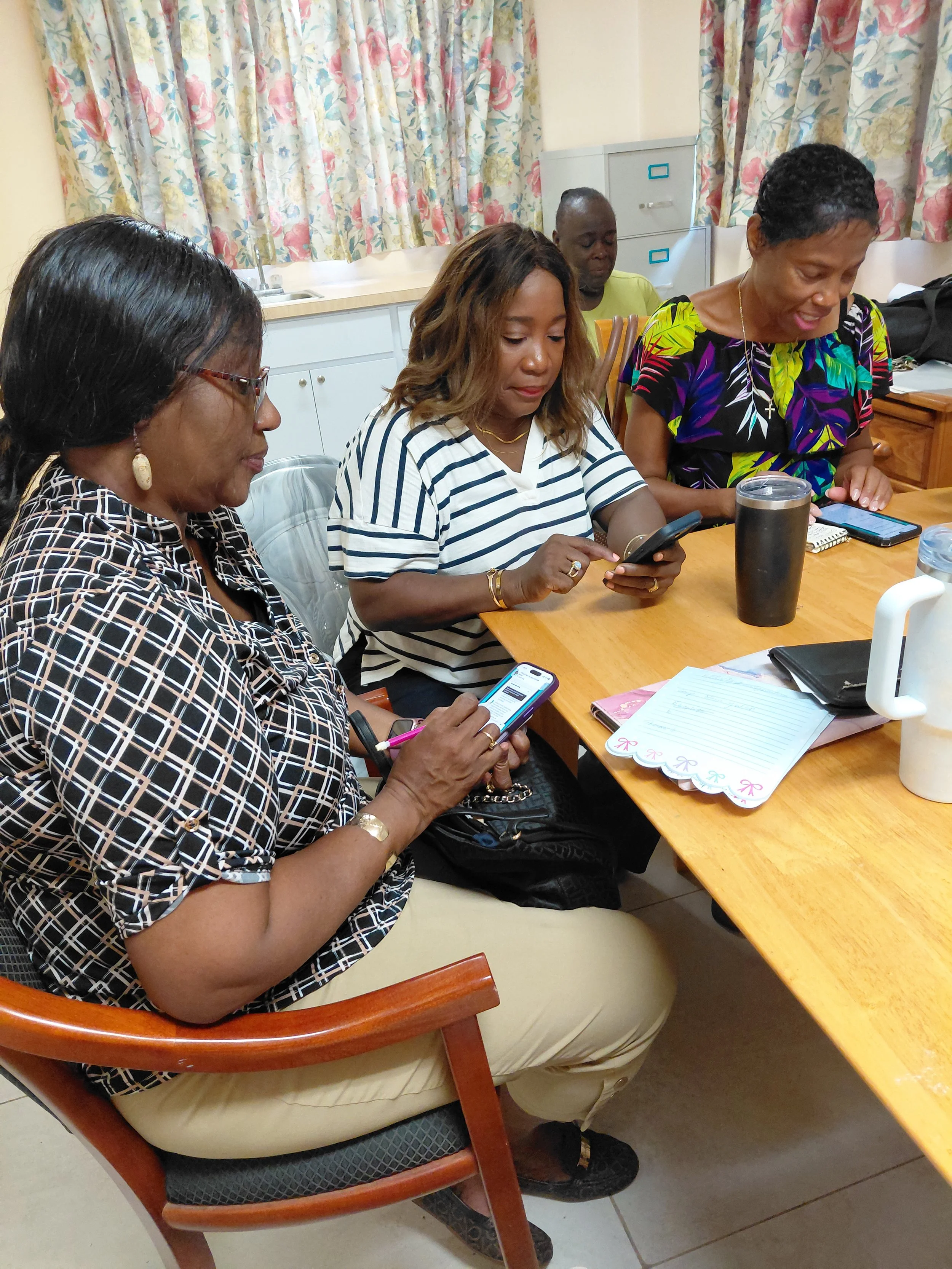
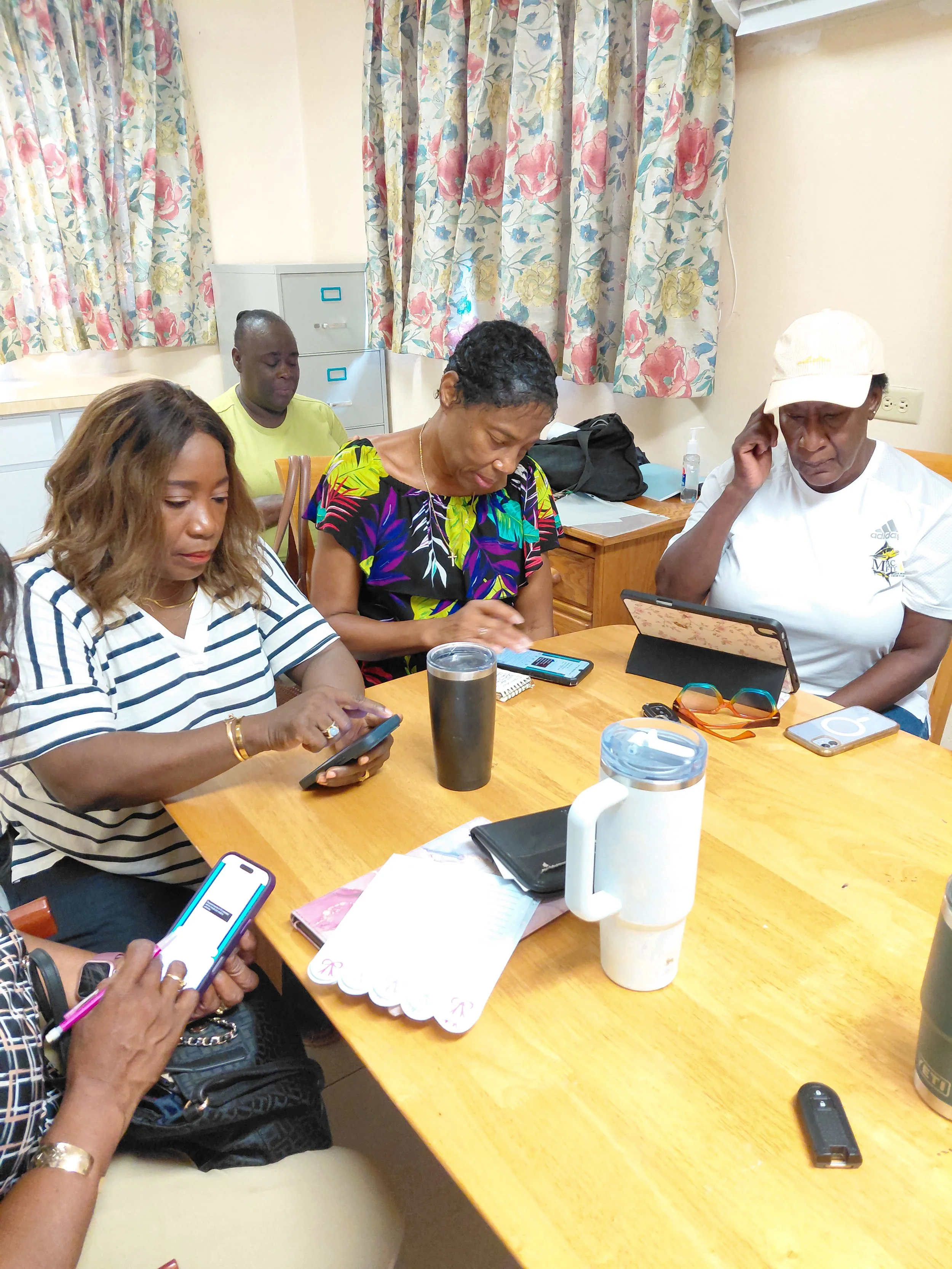
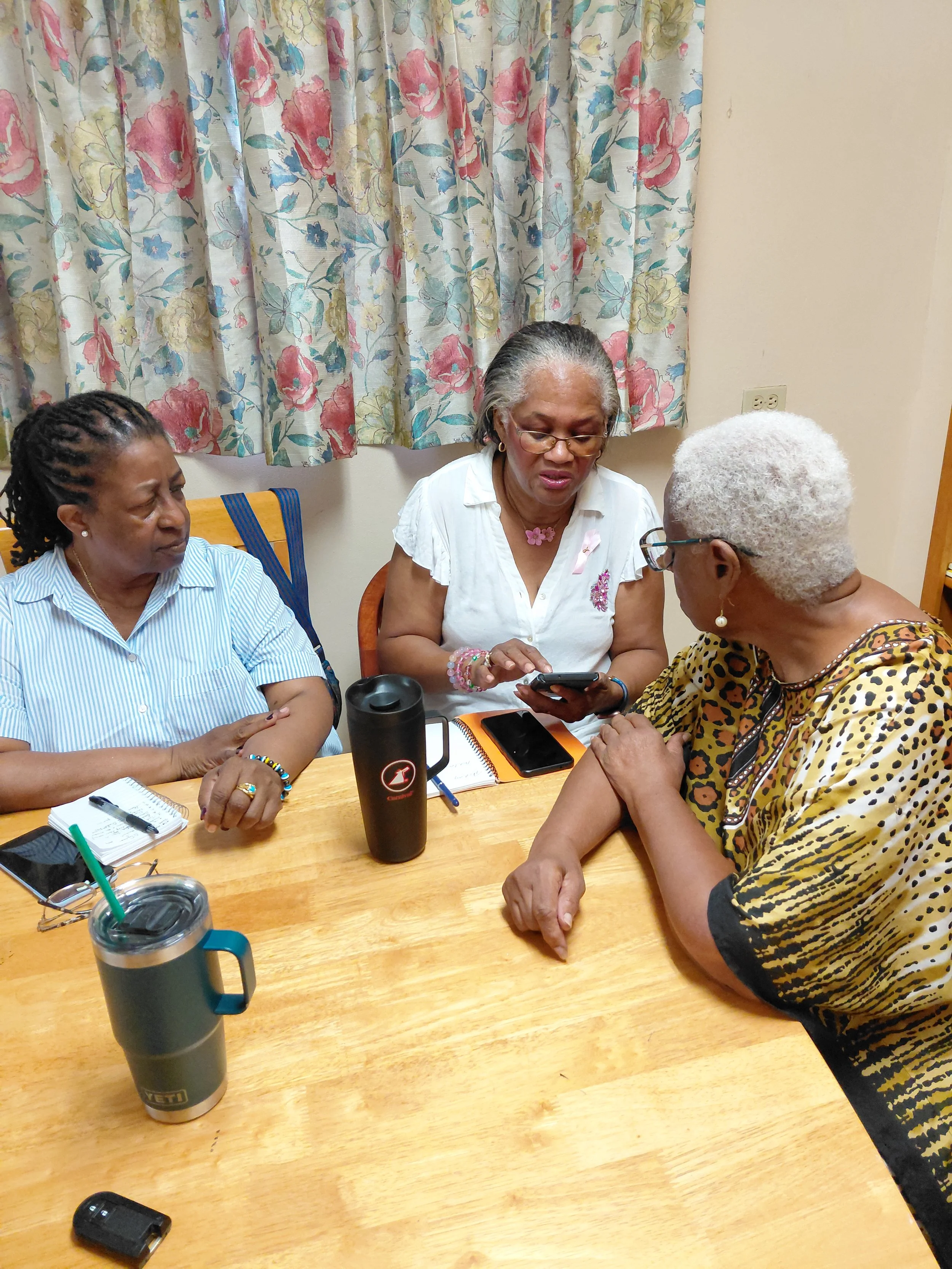
During the two training sessions held at the YWCA office, participants enthusiastically expressed their excitement as they began applying newly learned AI techniques. They were particularly fascinated by the ability to restore old, damaged, and faded photographs, bringing treasured memories back to life. Below are some examples of their remarkable achievements:
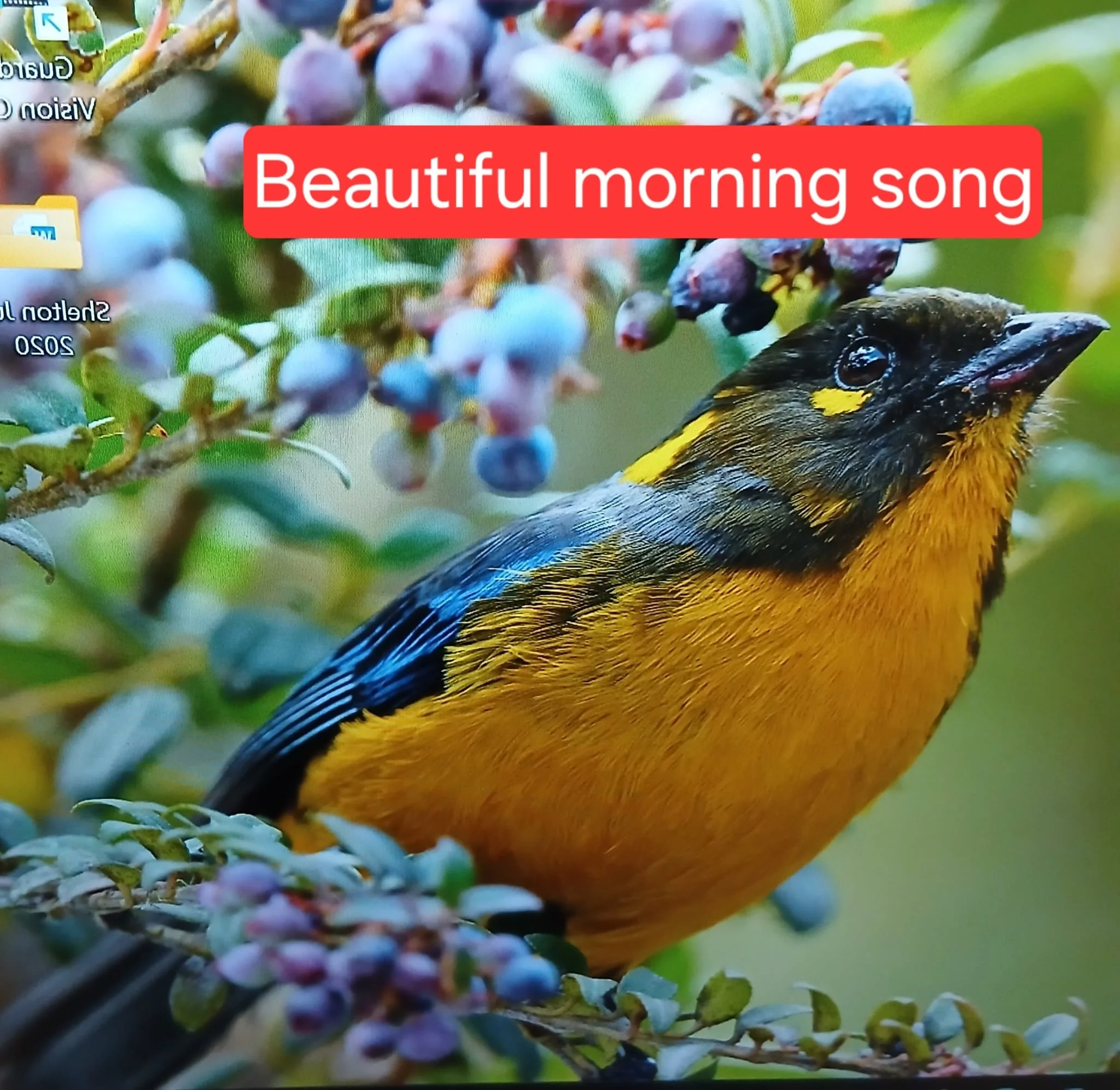
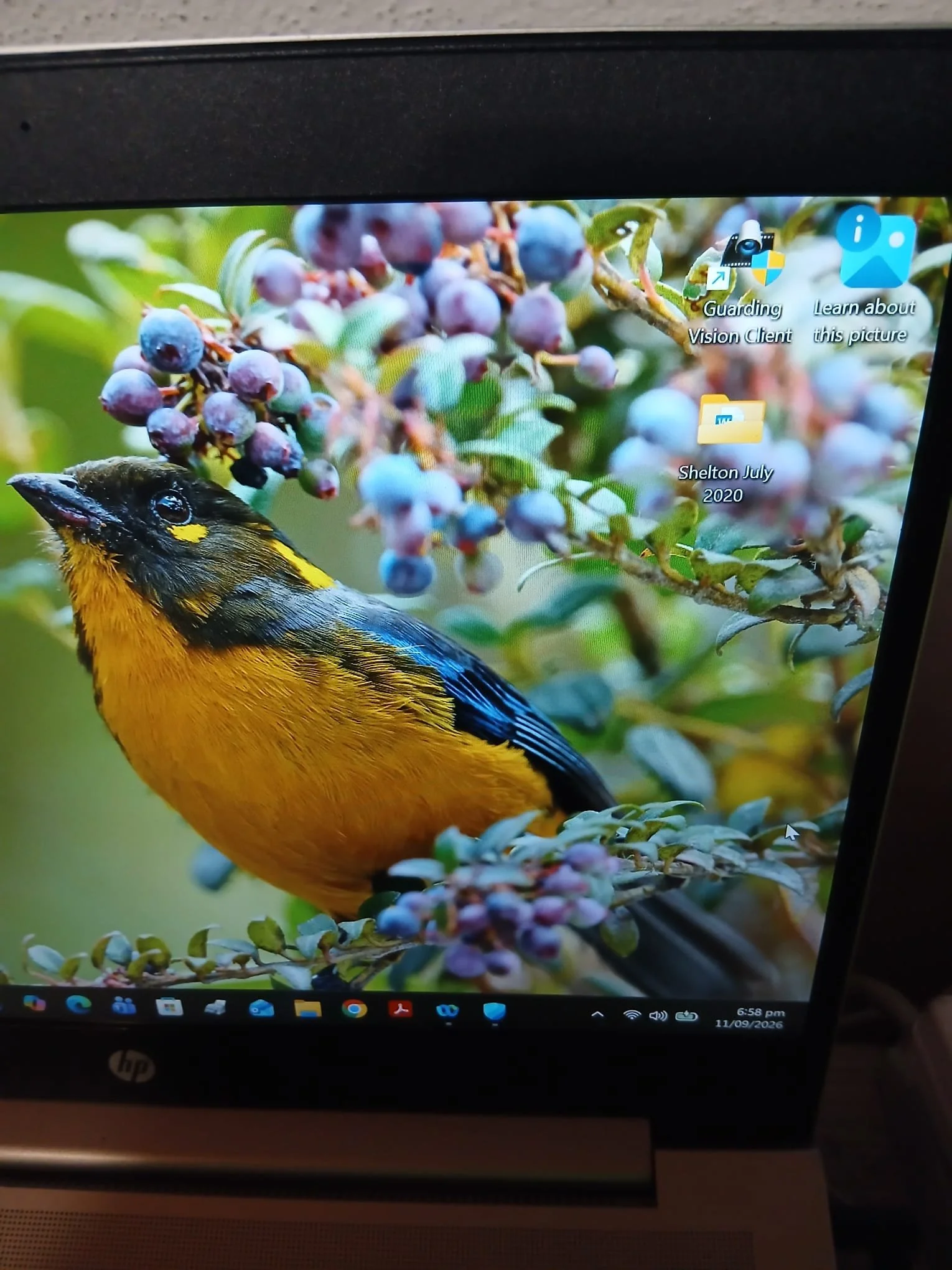
In the above photos, Dr. Donna said she cropped the picture, enhanced the bird’s color, changed its direction, added a label to the photo, and brought the bird closer to the forefront.
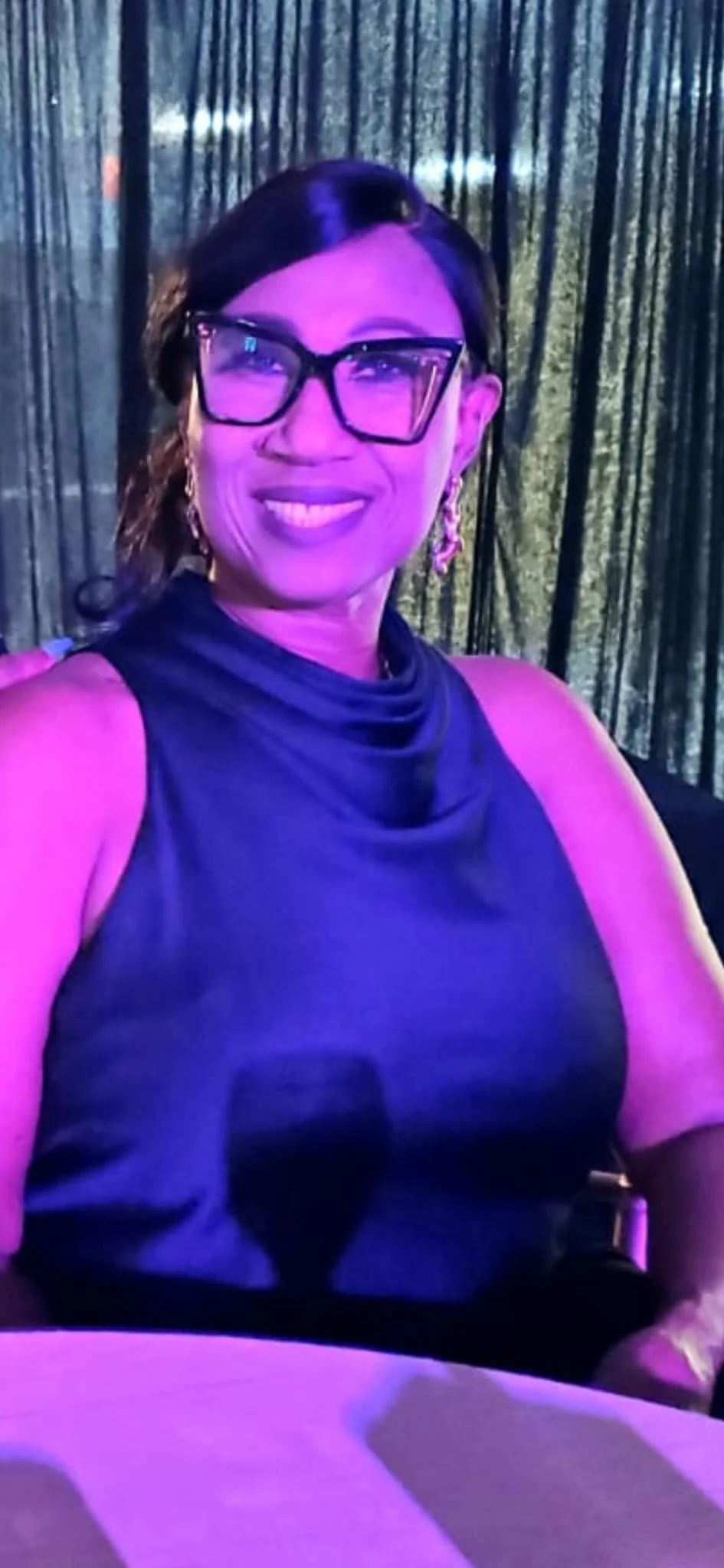
Before
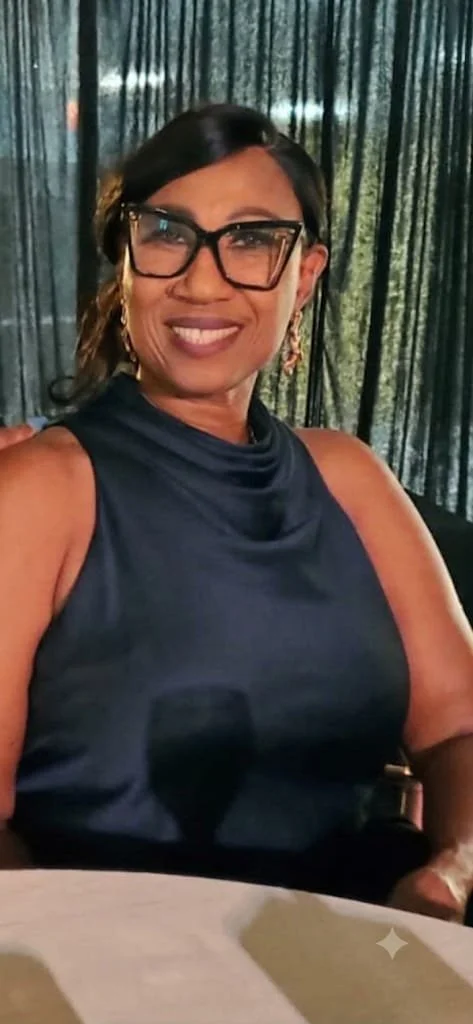
After
Daphne McIntosh was happy to use AI to bring out the the natural lighting.
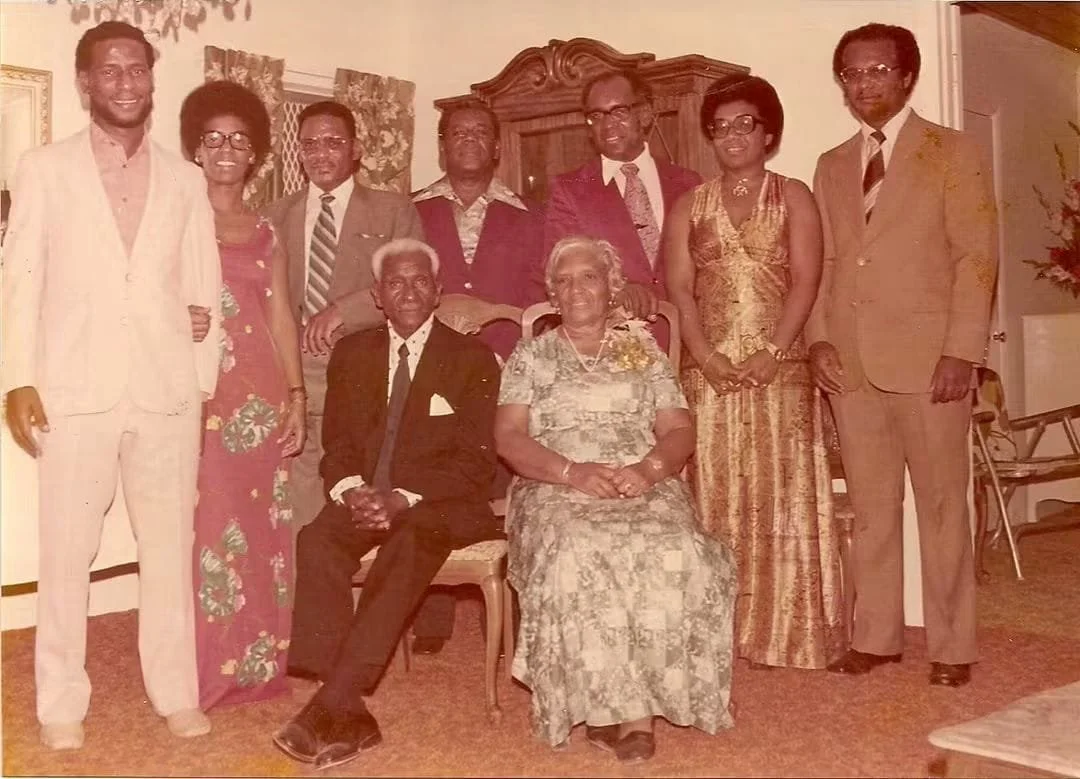
Before
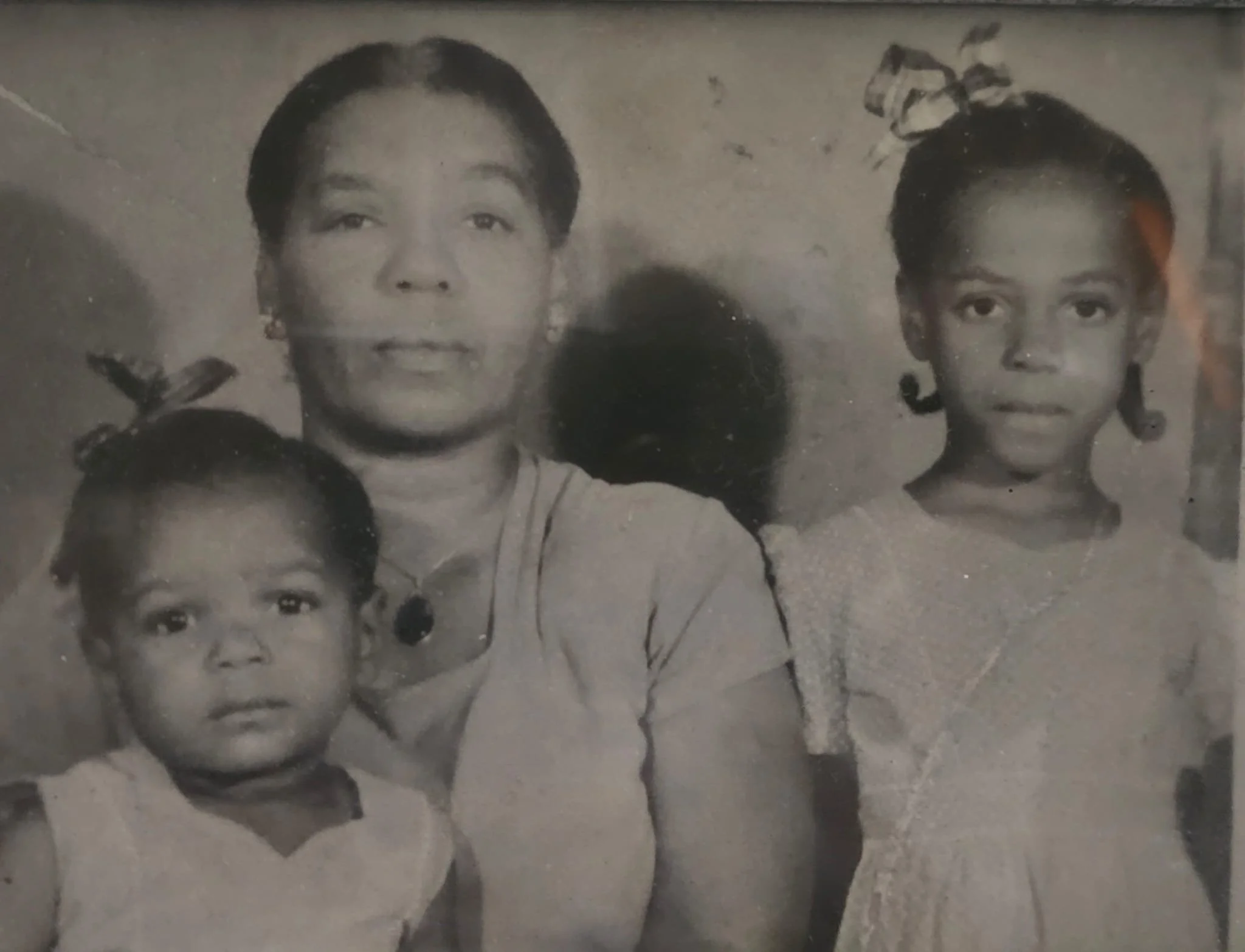
Before
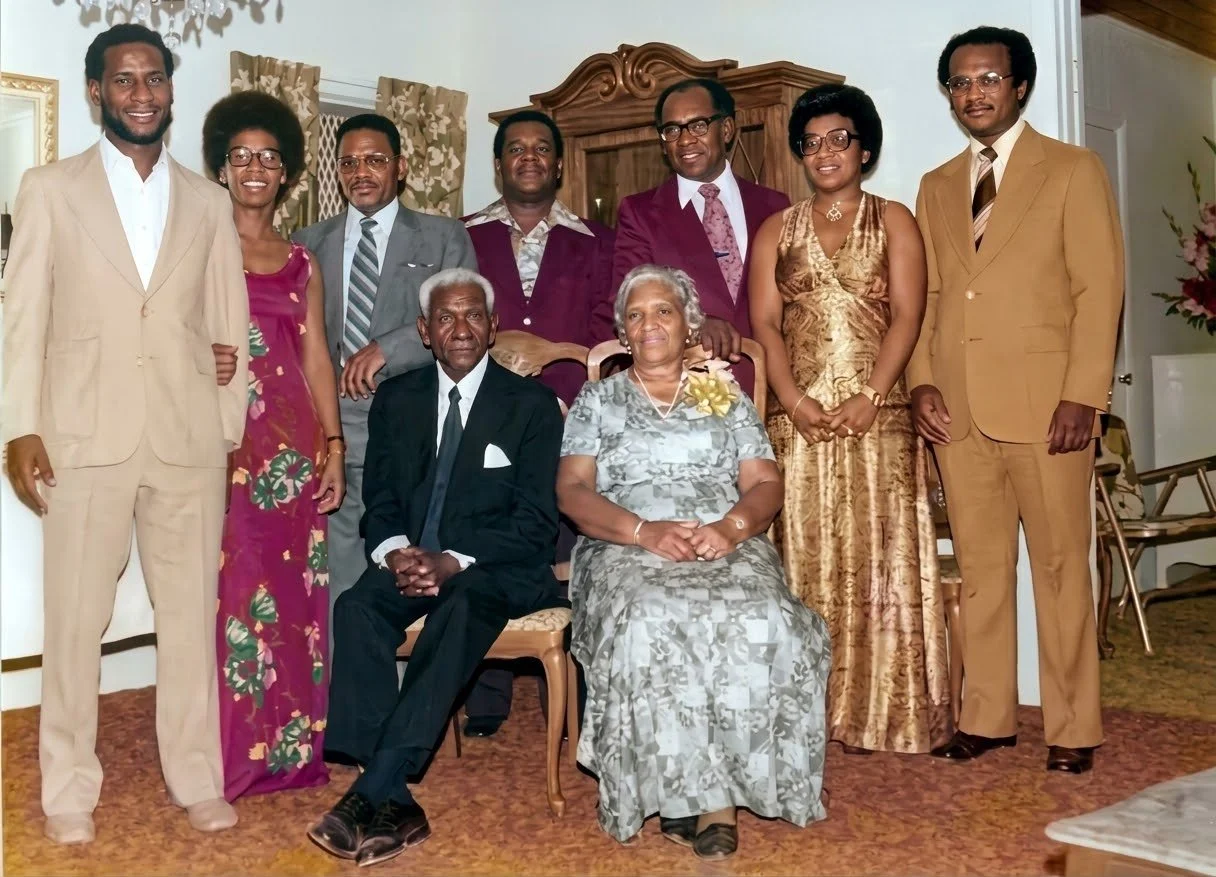
After
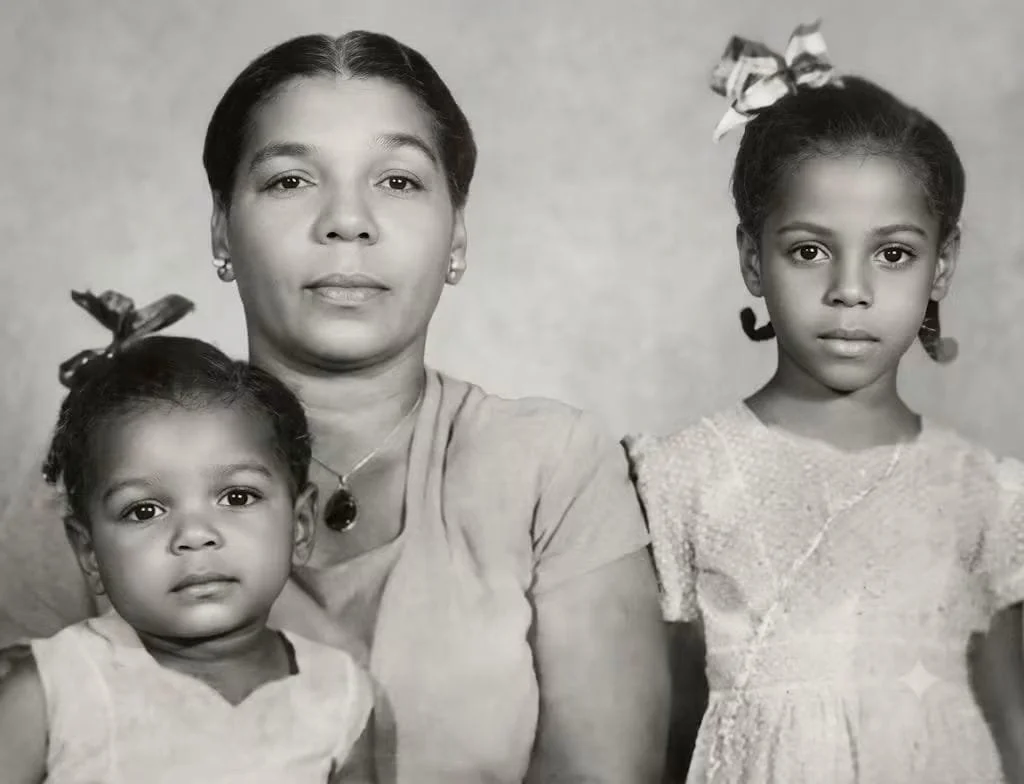
After
Rosemary Hanna employed AI to restore vibrant colors and sharpen fine details in her vintage photographs.

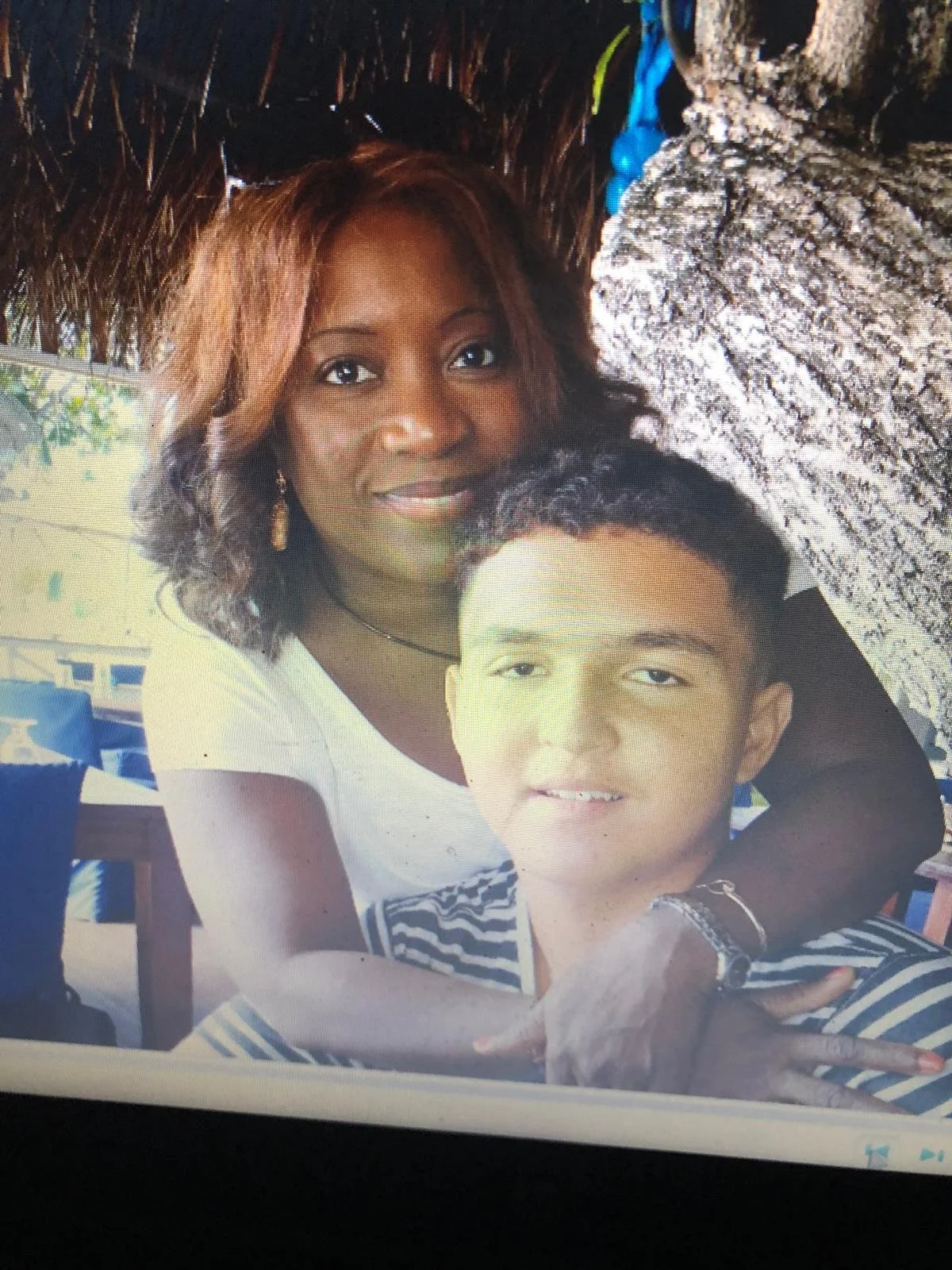
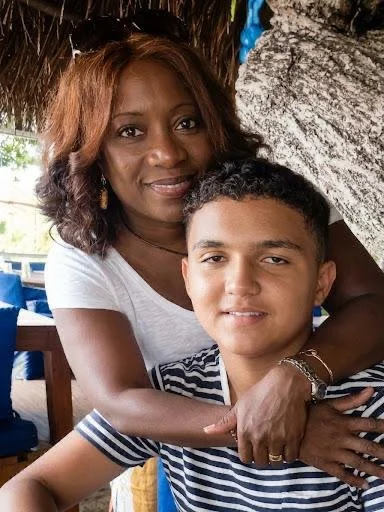
Wendy Mills used her new found skills to create a luncheon invitation and restore a faded photograph.
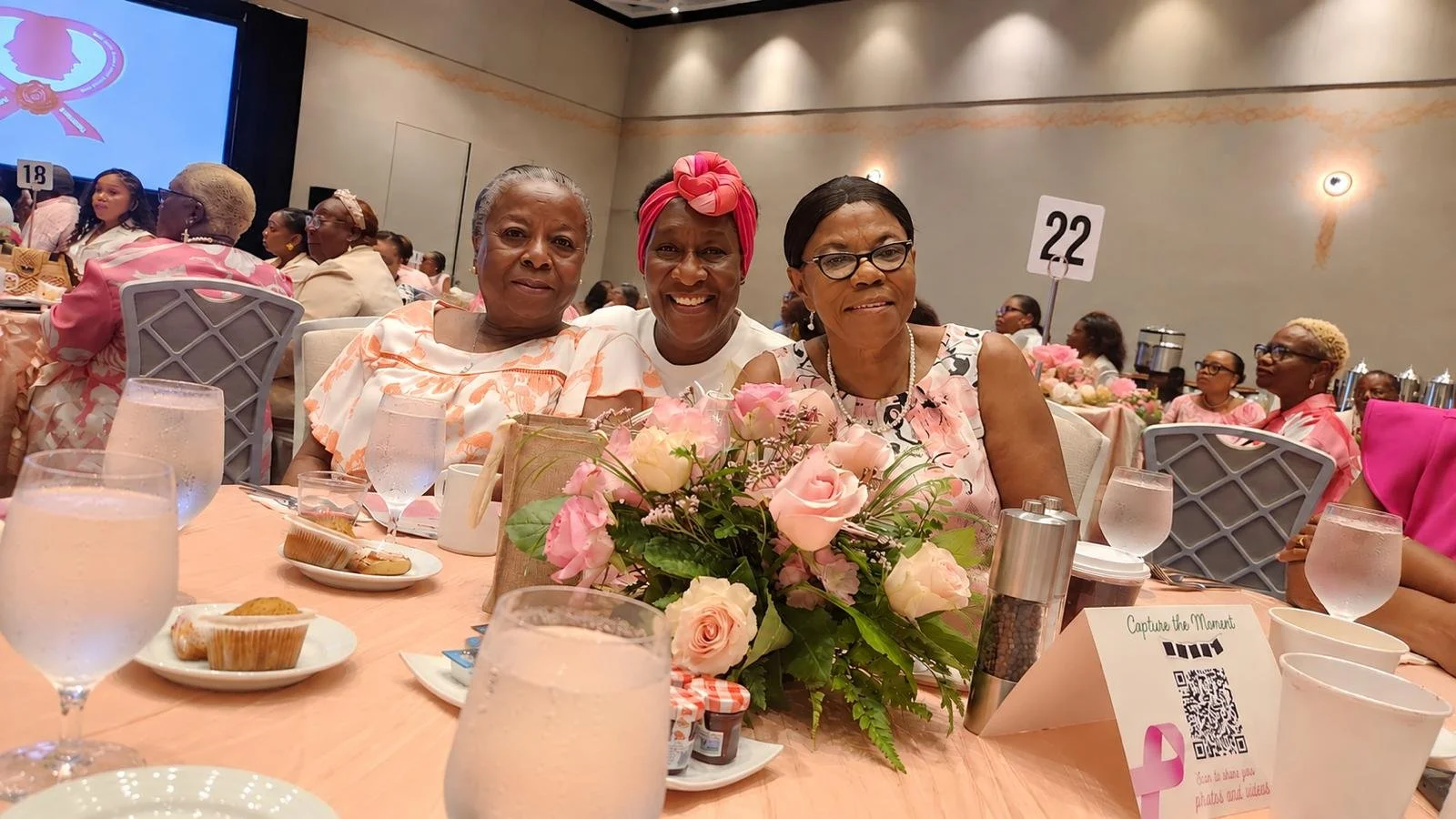

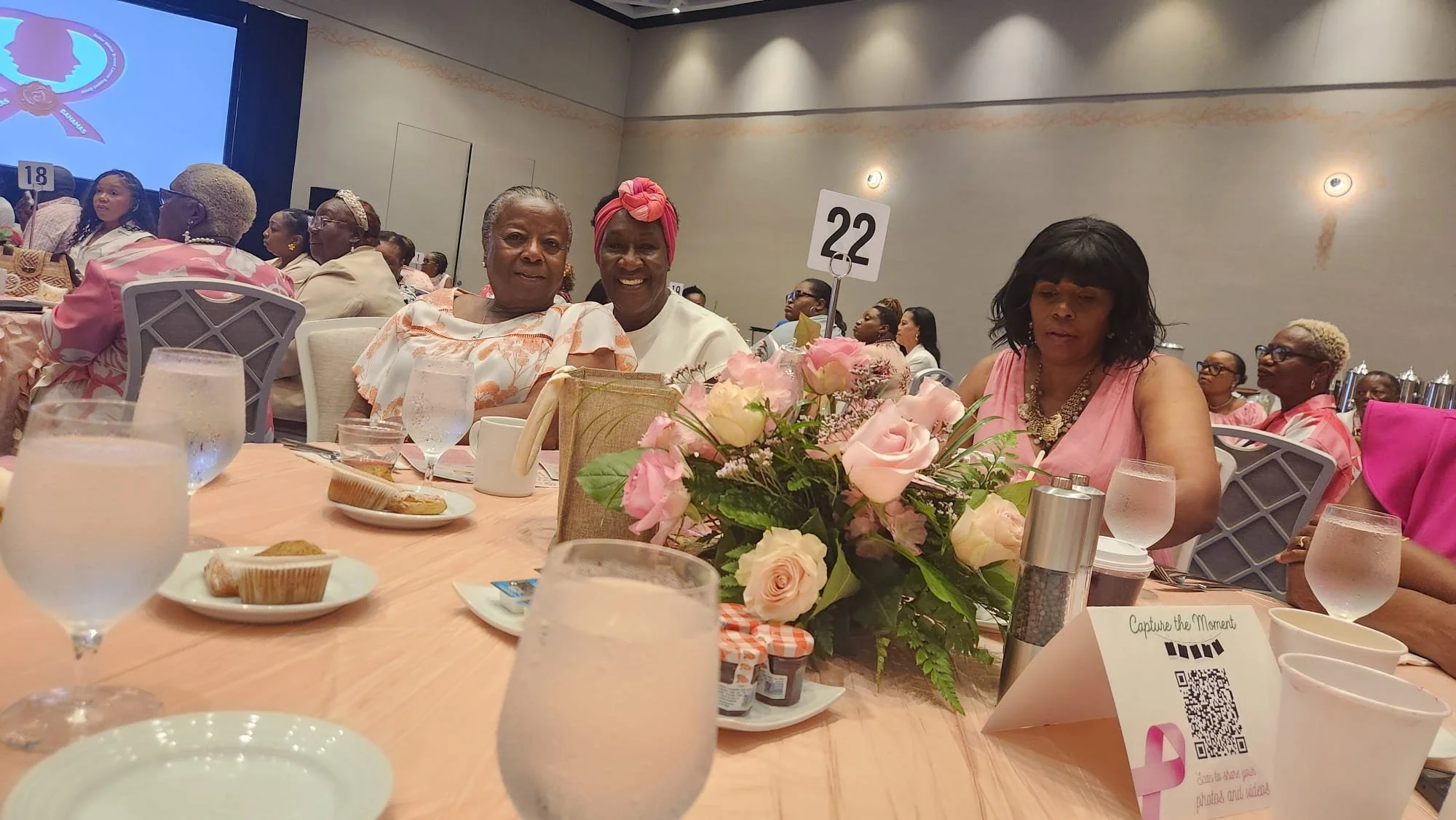
After one Tech for Seniors lesson, Trudy Feuz is now the official graphic design artist for World Day of Prayer Committee.
Trudy also experimented with adding a friend who had been sitting at another table to a group shot. Look carefully at photos one and three to spot the differences.

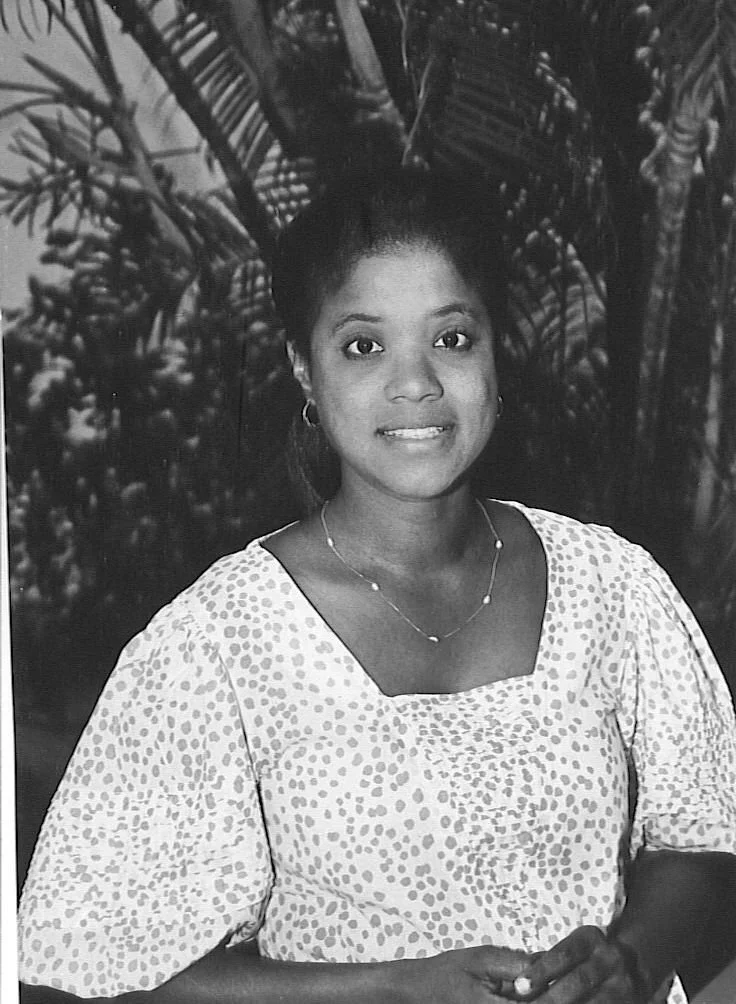
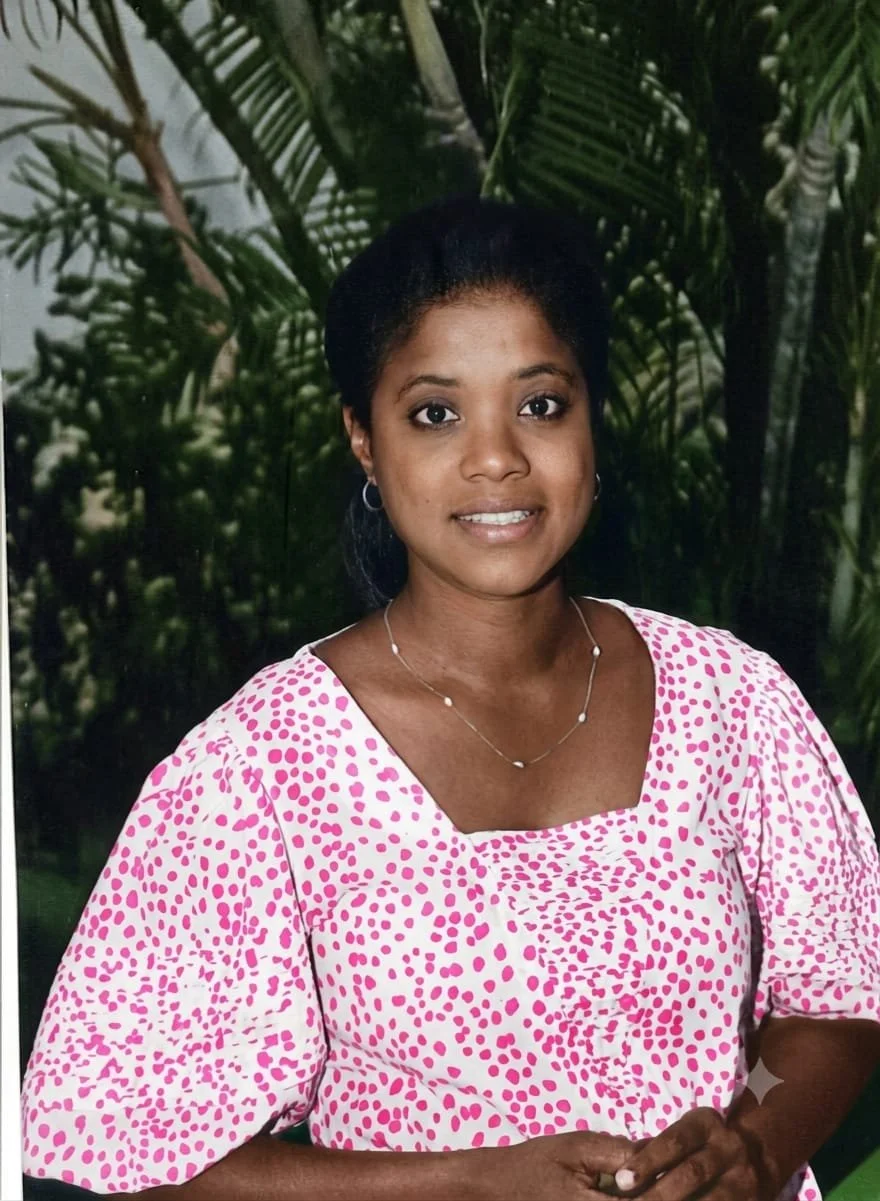

Rosalie Fawkes said that she is a keen photo enthusiast and that she relies on artificial intelligence to design flyers, invitations and good morning greeting cards. The images above highlight her creative processes: a colorized version of a 1987 black and white photograph, alongside two "Good Morning" messages crafted through voice prompts on her phone.
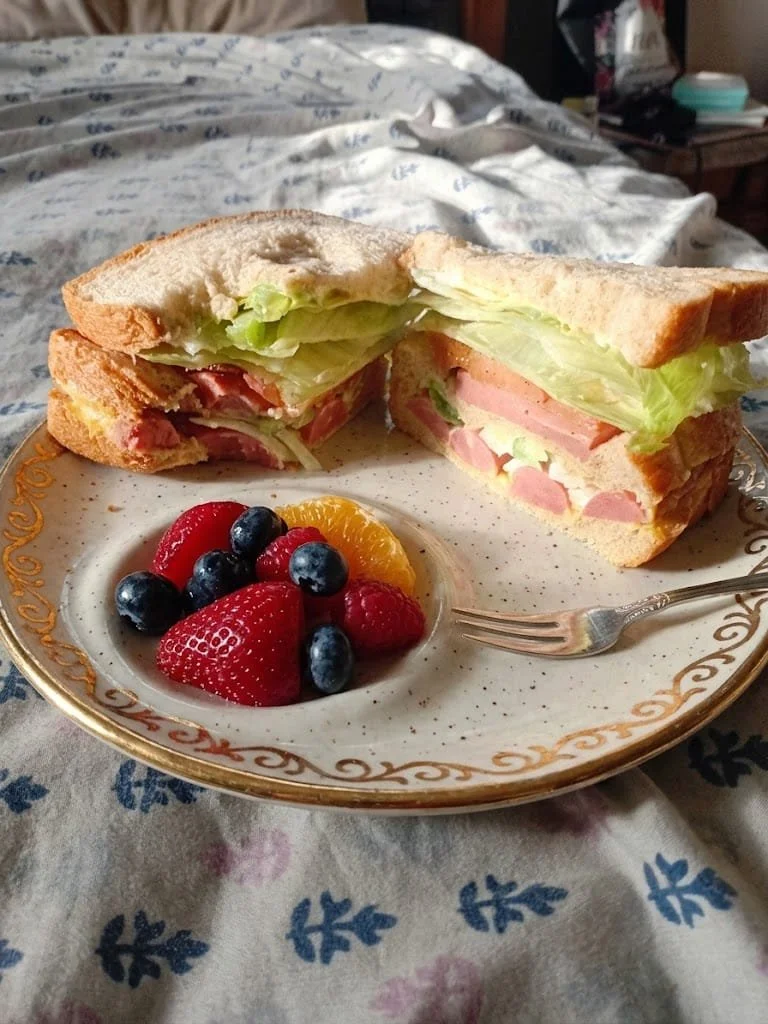
During the first Tech for Seniors session, Rosalie Fawkes shared a great technique for making everyday photos pop. She encouraged persons to position their subject so that the natural sunlight illuminated it - just as seen here in Minister Linda Thompson's photo, where the bright sunlight highlights her delicious sandwich, complemented by an AI added fruit cup.


Theresa Bastian recently shared that she is putting her newly acquired skills into practice - both by supporting her husband's work and by creating regular good morning messages for her network.
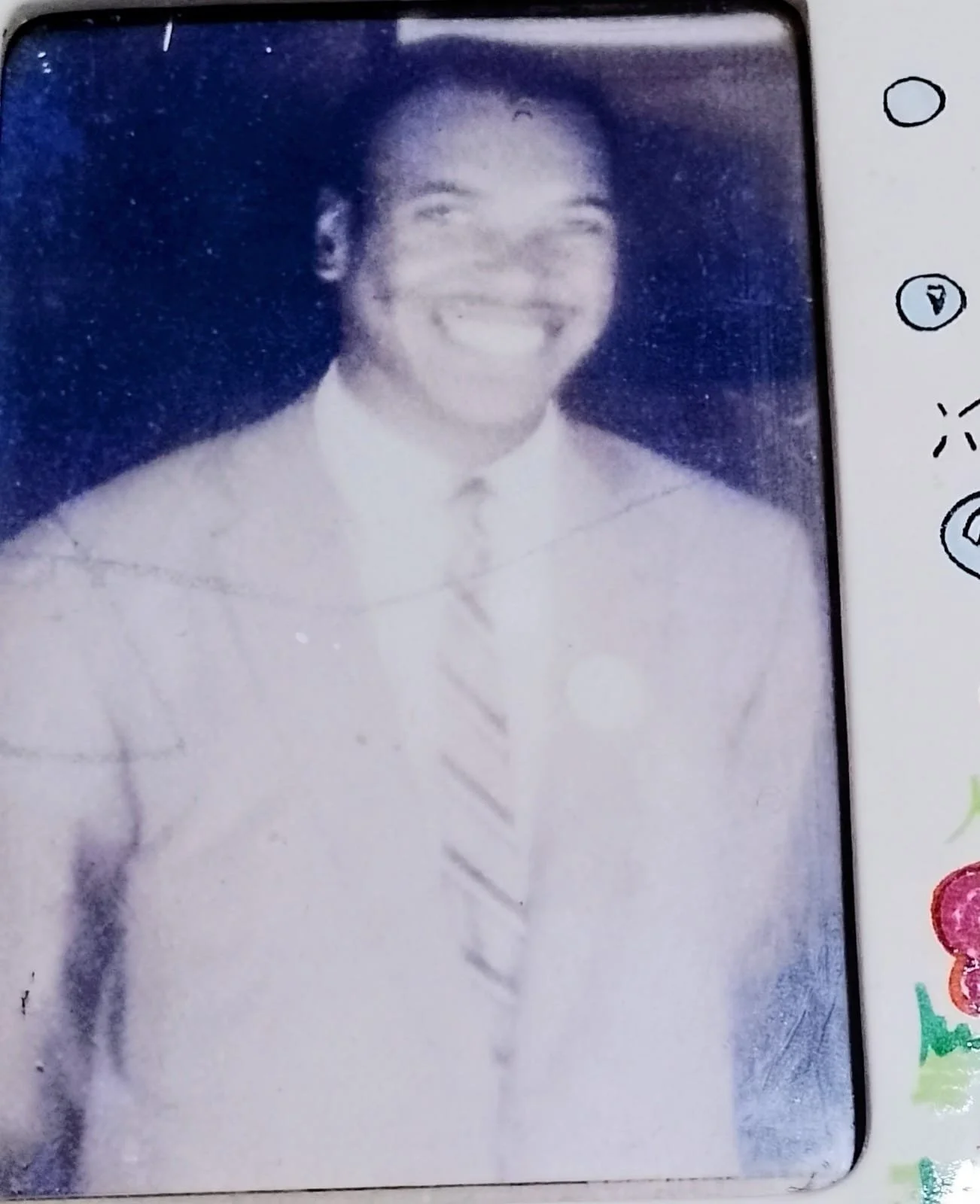
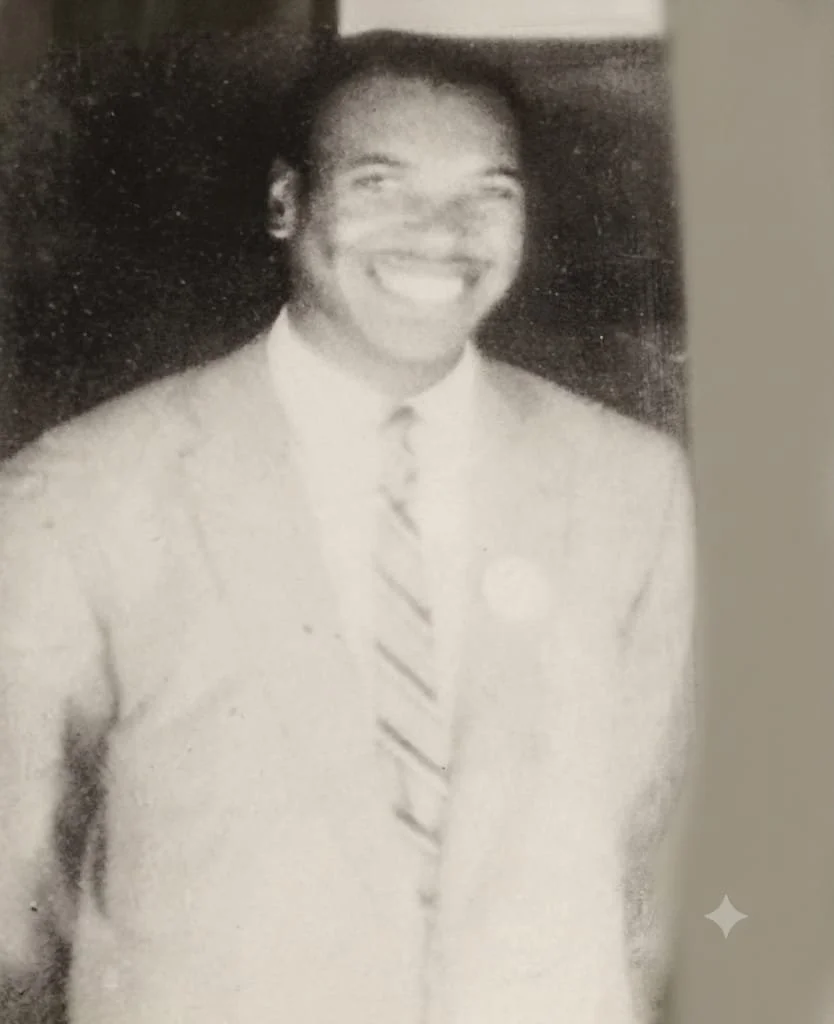
Cheryl Seymour mentioned using AI to remove scratchy lines from an old photo of her father. While the restoration was clean, she feels that the resulting image no longer looked like him to her.

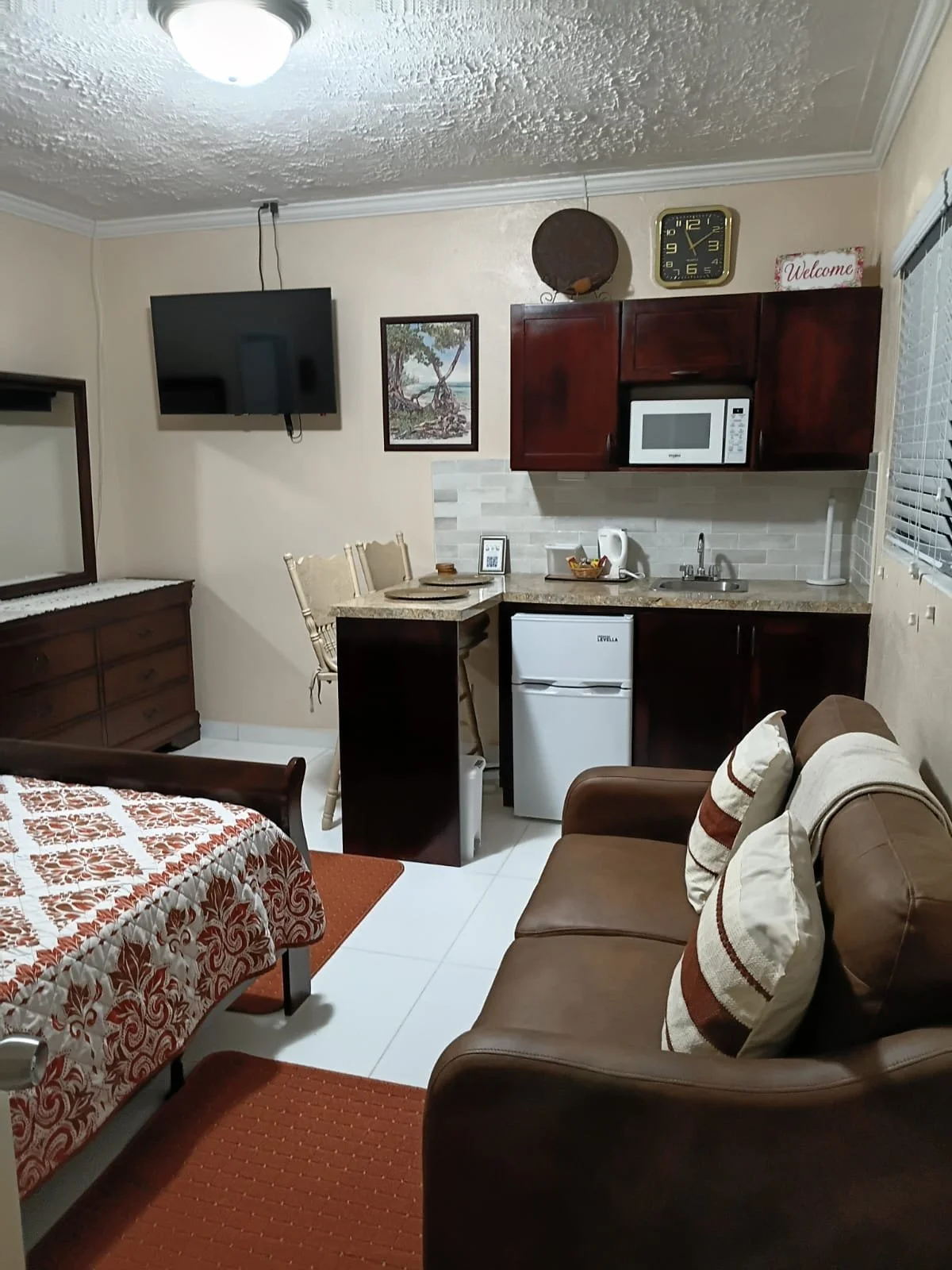
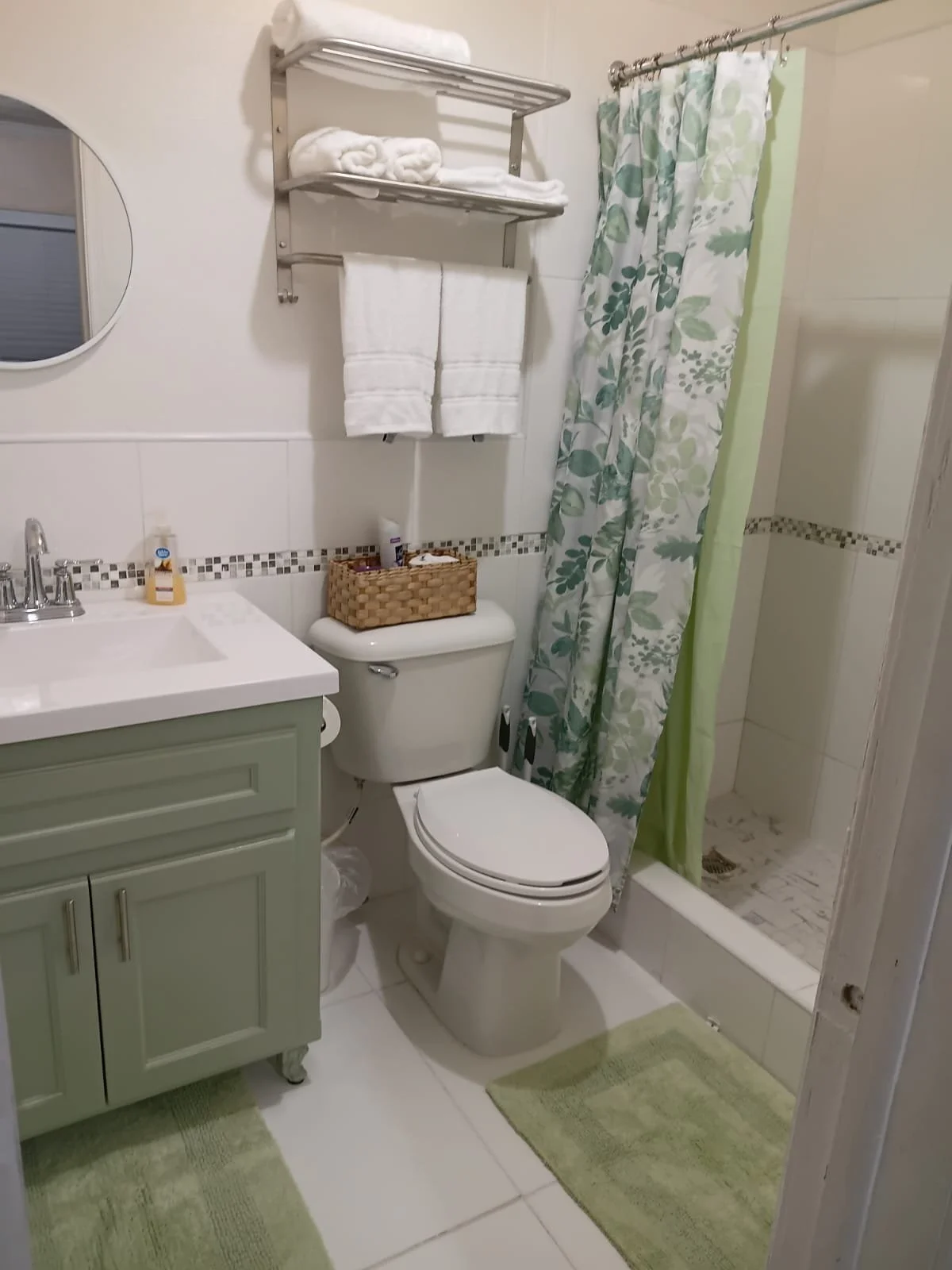

Melony Hanna also experimented with using AI for interior design inspiration. After submitting three photos of her living spaces, AI generated deocr recommendations as shown in the collage above.